Apps, Tools & Resources to level up your skills.
Browse 26 categories using the side nav, or use search to jump straight to a tool by name, platform, or topic. Look for the yellow ★ Nick's Pick ribbon for the ones I actually use day-to-day. Got a tool I should add, feedback, or something you'd like to share? Reach out anytime.
Nick's Picks
The tools I actually reach for day-to-day — pulled from across every category. Look for the yellow ★ ribbon on any tile in the rest of the notebook.
Accessibility | Universal Design
Tools and resources for building inclusive, accessible digital experiences for everyone.
A curated list of accessibility-related bookmarks to streamline web development and testing. It's ideal for quick reference when building compliant web experiences. The collection covers everything from screen reader testing tools to color contrast validators, giving developers a one-stop resource for accessibility checks.
Visit A11Y Cat →A comprehensive directory of tools, guides, and references for building accessible web applications. This resource hub covers ARIA patterns, keyboard navigation best practices, and assistive technology compatibility. Whether you're just starting with accessibility or auditing an existing project, this collection provides actionable guidance across all WCAG conformance levels.
Visit A11Y Resources →Apple's commitment to accessibility is evident in its suite of assistive features like VoiceOver, Switch Control, and Live Captions built into every device. Their developer resources show how to integrate accessibility APIs into iOS and macOS applications. This is an essential reference for anyone building on Apple platforms or studying how a major tech company approaches inclusive design.
Visit Apple Accessibility →Pilestone's Color Blindness Simulator allows users to experience how individuals with different types of color vision deficiency perceive colors. Upload any image or enter a URL to see how your designs look through the lens of protanopia, deuteranopia, and tritanopia. It's a quick validation step every designer should take before finalizing color-dependent interfaces.
Try Simulator →A tool for checking color contrast compliance with accessibility guidelines. This is essential for designers and developers who need to ensure text is readable against background colors. The interactive interface lets you adjust colors in real-time and instantly see whether your combinations pass WCAG AA or AAA contrast requirements.
Visit Color Review →Google offers a wide range of accessibility features and tools, from Chrome extensions to Android device settings, designed to make technology usable for everyone. Their resources include developer guidelines, testing tools like Accessibility Scanner, and educational content. A strong reference point for understanding how to build accessible products within the Google ecosystem.
Visit Google Accessibility →An app that helps people with low vision or blindness identify objects, text, and people using their phone's camera. Lookout uses machine learning to describe scenes, read documents, scan barcodes, and identify currency. It's a powerful example of AI applied to real-world accessibility needs, running entirely on-device for privacy.
Get Lookout →Windows offers a variety of built-in accessibility features like Narrator, Magnifier, and closed captioning designed to support users with diverse needs. Microsoft's Inclusive Design methodology and toolkit have influenced how the entire industry approaches accessibility. Their developer documentation provides comprehensive guidance on building accessible applications across the Microsoft platform.
Visit Microsoft Accessibility →A powerful Microsoft app that narrates the world around visually impaired users, describing scenes, text, and even emotions on people's faces. It uses the device camera to read documents, identify products via barcodes, describe images, and recognize people. Seeing AI demonstrates the transformative potential of computer vision applied to accessibility challenges.
Visit Seeing AI →The official source for web accessibility guidelines, including WCAG standards, ensuring web content is perceivable, operable, understandable, and robust for all users. These are the foundational standards that inform accessibility laws and best practices worldwide. Every learning professional working in digital content should be familiar with these guidelines.
View W3C Guidelines →The W3C provides comprehensive web standards, guidelines, and resources for building an accessible and interoperable web. Essential reference for developers and designers working to meet global web standards.
Visit W3C Resources →The Web Content Accessibility Guidelines (WCAG) 2.2 detail how to make web content accessible to people with disabilities, adding new success criteria around dragging movements, target size, and consistent help. This latest version builds on 2.1 with practical improvements that address real-world usability barriers. Understanding what's new in 2.2 and what's coming in 3.0 keeps your work ahead of compliance requirements.
Read WCAG 2.2 →An early look at the next major version of the Web Content Accessibility Guidelines. WCAG 3.0 aims to address a wider range of user needs with a more flexible conformance model.
Learn More →WebAIM's Contrast Checker is a free tool that helps designers and developers ensure their text and background color combinations meet WCAG accessibility standards. Simply enter foreground and background hex values to get instant pass/fail results for both AA and AAA compliance levels. It's one of the most trusted and frequently used accessibility testing tools in the industry.
Check Contrast →AI
Artificial intelligence tools for content creation, image generation, research, and workflow automation.
By Anthropic. Advanced AI assistant known for thoughtful, nuanced responses and strong reasoning capabilities. It's a reliable collaborator for creating, refining, and organizing ideas at scale.
Try Claude →OpenAI's conversational AI tool enables natural language interactions for creative and informational tasks. ChatGPT can brainstorm ideas, draft content, debug code, analyze data, and serve as a thinking partner across disciplines. The Plus and Teams tiers add GPT-4 access, image generation, and custom GPTs tailored to specific workflows.
Try ChatGPT →An AI-powered content generation tool that creates marketing copy, social media posts, emails, and more in seconds. CopyAI offers dozens of pre-built templates for different writing needs, from blog intros to product descriptions. It's particularly useful for L&D teams who need to quickly generate communications, course descriptions, or promotional materials for learning programs.
Visit CopyAI →An AI model developed by OpenAI that generates high-quality images from text descriptions, unlocking creative possibilities for non-designers. DALL-E can create custom illustrations, concept art, icons, and visual metaphors on demand. For learning professionals, it's a game-changer for rapid visual prototyping and creating unique imagery without a design team.
Try DALL-E →A Mac-native application that simplifies AI image generation using Stable Diffusion models, running entirely on your local machine. No cloud processing means your prompts and images stay private. DiffusionBee offers text-to-image, image-to-image, inpainting, and outpainting capabilities through a clean, beginner-friendly interface.
Get DiffusionBee →An AI-powered app that generates concise summaries of YouTube videos, saving time by distilling key points from lengthy content. Eightify breaks videos into timestamped sections with bullet-point summaries so you can quickly scan for the information you need. It's invaluable for L&D professionals who need to evaluate video resources or curate content efficiently.
Try Eightify →An AI-powered tool for creating stunning presentations, websites, and documents quickly. It uses AI to generate polished, professional content from simple prompts, making it perfect for educators, business professionals, and creatives who want to save time on visual storytelling.
Try Gamma →Google's multimodal AI, formerly Bard, excels at understanding and generating text, images, audio, and code. Users looking for a comprehensive AI tool that handles diverse tasks across multiple formats will find Gemini especially powerful.
Try Gemini →Google's text-to-video generation model — produces short, high-quality clips with native audio from a single prompt. Lives inside AI Studio so you can tinker, refine, and iterate without leaving the browser.
Try Veo 3 →Best-in-class AI image generator when your prompt needs legible words on the canvas — logos, posters, mockups with actual signage. Fills the gap that MidJourney and DALL·E still struggle with; feels closer to designing than describing.
Try Ideogram →A platform that enables users of any skill level to create full-stack web applications by describing what they want in plain English. Features GitHub integration, Supabase support, and real-time collaboration for rapid prototyping and MVP development.
Try Loveable →An AI tool for generating unique, artistic images from text prompts, known for its creativity and surreal visual quality. MidJourney excels at producing stylized, editorial-quality imagery that feels handcrafted rather than AI-generated. It's become a go-to for creating course artwork, presentation visuals, and concept imagery that stands out from typical stock photography.
Visit MidJourney →Google's image generation and editing model (Gemini 2.5 Flash Image) — chat-driven edits that actually understand context. Great for style swaps, object removal, and quick mockups when you don't want to open a full editor.
Try Nano Banana →A tool that uses AI to quickly turn rough ideas and notes into structured, visual content such as presentations and mind maps. Perfect for brainstormers and creatives who want to transform fleeting thoughts into polished outputs.
Visit Napkin AI →A Google AI tool that helps users organize and interact with their research, providing summaries, Q&A, and note-taking features powered by language models. Ideal for researchers, students, and professionals who want to deeply engage with their data and documents.
Try NotebookLM →The home of OpenAI's groundbreaking research in artificial intelligence, offering access to models like GPT-4 and DALL-E. OpenAI provides APIs for developers and consumer products that have redefined how people interact with AI. Their platform documentation and playground are essential for anyone building AI-powered learning experiences or exploring what's possible with large language models.
Visit OpenAI →An AI-powered search and answer engine that provides accurate, well-researched answers to questions by summarizing information from credible sources. Users seeking a reliable, AI-driven alternative to traditional search engines for quick, trustworthy information will find this tool invaluable.
Try Perplexity →A platform that gives users access to multiple AI models, including GPT-4 and Claude, for generating content, coding assistance, and more. It's ideal for users who want to compare and leverage different AI tools from one centralized platform.
Visit Poe →AI image and vector generation in one canvas — spin up icon sets, illustrations, and mockups, then export as SVG. My go-to when I need consistent visual language across a small library, not a one-off hero image.
Try Recraft →A powerful platform that offers AI-driven tools for video editing, image generation, and creative production, making it a go-to for media professionals. Users looking for advanced AI-powered video and image editing tools to enhance their creative process should explore Runway.
Visit Runway →A collection of curated prompts for AI models like GPT to help users get more creative, tailored, and effective responses. Think of it as a recipe book for AI — browse by category, copy a prompt, and customize it for your use case. It's a great starting point for learning professionals who want to get better results from AI tools without becoming prompt engineering experts.
Browse Prompts →Vercel's AI tool that generates React/Next.js components from text descriptions. It's ideal for designers and developers looking to quickly prototype and build functional web components without extensive coding, leveraging AI for rapid UI development, and empowering non-technical users to build functional web apps efficiently.
Try V0 →Voice-to-text dictation that types into any app at the speed you can talk — email, code, docs, chat. Picks up natural punctuation and learns your style, so the output reads like you wrote it.
Try WisprFlow →Analytics
Measuring learning, behavior, and outcomes — the standards, tools, and AI-assisted methods to turn raw data into something useful.
Pasting raw data, logs, or survey results into Claude, ChatGPT, or Perplexity is now the fastest way to spot patterns, draft executive summaries, and jumpstart a real analysis. For heavier statistical work, Claude handles CSVs natively — turning a stuck spreadsheet into a useful chart in minutes.
Try Claude →Free traffic and behavior analytics for your site or app — see who visits, where they come from, what pages hold attention, and where they drop off. Pair it with your prototypes to validate ideas with real usage data instead of guesses.
Visit Google Analytics →Session recordings, heatmaps, and on-page surveys — see the pixels people click, hover, and rage-click. Pairs perfectly with a numbers-heavy tool like Mixpanel; the qual side of the analytics story.
Visit Hotjar →Product analytics for tracking real user behavior — funnels, retention, cohorts, custom events — without needing a data engineer to wire it up. Cleanest 'what are people actually doing in my app' answers I've gotten from a self-serve tool.
Visit Mixpanel →The granddaddy of learning content standards — defines how courseware packages talk to an LMS so launch, completion, and score data flow consistently. Still the default in most enterprise LMSs; understand it even if you're trying to move past it.
Visit SCORM.com →The experience API specification — a flexible, JSON-based standard for tracking any learning experience: clicks, conversations, simulations, even offline activities. Lives in a Learning Record Store (LRS) and is the modern replacement for SCORM when you want to track what happens outside the LMS.
Visit xAPI.com →AR / VR / Mixed Reality / Spatial Computing
Hardware and software for immersive experiences, 360° content, and spatial computing.
Apple's mixed reality headset blends AR and VR, offering immersive experiences for productivity, entertainment, and collaboration in a sleek, user-friendly design. Perfect for early adopters and professionals looking for spatial computing.
Explore Vision Pro →An app for capturing and sharing immersive 360-degree photos and videos, enabling users to create virtual experiences. Great for adding an interactive, panoramic element to visual storytelling.
Try Bubb.li →An affordable VR viewer that works with smartphones, turning any phone into a basic virtual reality platform. A great entry point for exploring VR content and experiences.
Explore Cardboard →Google's suite of AI-powered services offers tools from voice assistants to AI-driven recommendations and search enhancements. Explore the power of Google's AI for everyday tasks.
Try Google Lens →Google Translate's AR feature uses your camera to translate text in real time. Point your phone at a sign, menu, or document and see the translation overlaid instantly.
Try Translate →A versatile 360-degree camera that captures immersive video and photos. Perfect for content creators looking to produce engaging, interactive visual content.
Visit Insta360 →Meta's standalone VR headset offers immersive gaming, social experiences, and productivity applications. A leading platform for accessible, high-quality virtual reality.
Explore Quest →A toolkit for building augmented reality experiences, from simple image tracking to complex world-scale AR. Ideal for marketers and educators looking to create interactive AR content.
Visit Zapworks →Audio
Voice, podcasts, music, and AI-generated audio — tools for capturing, producing, and listening.
A library of thousands of free sound effects from the BBC archive, available for personal, educational, and research use. A treasure trove for audio producers and content creators.
Browse Sounds →A platform offering professional voiceover services and audio production, with fast turnaround and high-quality results for e-learning and video.
Visit BunnyStudio →Edit podcasts and videos by editing the transcript like a doc — cut filler words, remove silences, and rearrange takes in seconds. Recent updates layer in AI voice cloning (Overdub) so you can fix flubs by typing, plus Studio Sound to clean up bad audio in one click. The Eye Contact effect quietly redirects your gaze to the camera, and built-in templates spin long recordings into vertical social clips fast. If you make videos or podcasts solo, this is the closest thing to a one-person studio.
Visit Descript →Cutting-edge AI voice synthesis platform offering realistic, customizable voices for content creation, storytelling, and accessibility. Perfect for creators who need lifelike voiceovers, narration, or voice cloning in multiple languages.
Visit ElevenLabs →An AI voice generator offering high-quality, natural-sounding text-to-speech and voice cloning for videos, podcasts, and e-learning. Ideal for content creators seeking polished voiceovers without hiring voice talent.
Visit Lovo →AI-powered podcast and audio show creator — feed it an article, doc, or URL and it produces a natural-sounding multi-host conversation in minutes. Useful for turning a long-form resource into a digestible audio briefing without booking studio time.
Visit HypeCast →A USB condenser microphone with RGB lighting, anti-vibration shock mount, and four selectable polar patterns. Great for podcasting, streaming, and recording professional-quality audio.
View Mic →AI-driven text-to-speech platform that enables users to create natural-sounding voiceovers in over 20 languages, offering a selection of more than 120 voices. Ideal for e-learning developers, marketers, and content creators who need high-quality voiceovers quickly.
Visit Murf.ai →A Google AI tool that helps users organize and interact with their research, providing summaries, Q&A, and note-taking features powered by language models. Ideal for researchers, students, and professionals who want to deeply engage with their data and documents.
Try NotebookLM →AI powered music creator that generates original music compositions from text descriptions, enabling anyone to create custom songs and soundtracks without musical expertise.
Visit Suno →AI powered music creator that generates high-quality original music from text prompts, enabling creators to compose custom soundtracks and musical content instantly.
Visit Udio →Book Shelf
Nick's short list — books he keeps gifting, citing, and re-reading.
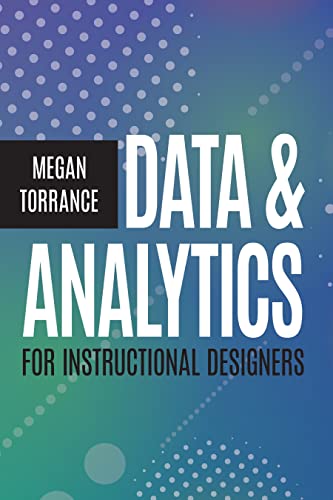
Megan Torrance. Finally, an analytics book written for IDs — not data scientists. I hand this out whenever a team asks me how to actually prove a course worked.
Amazon →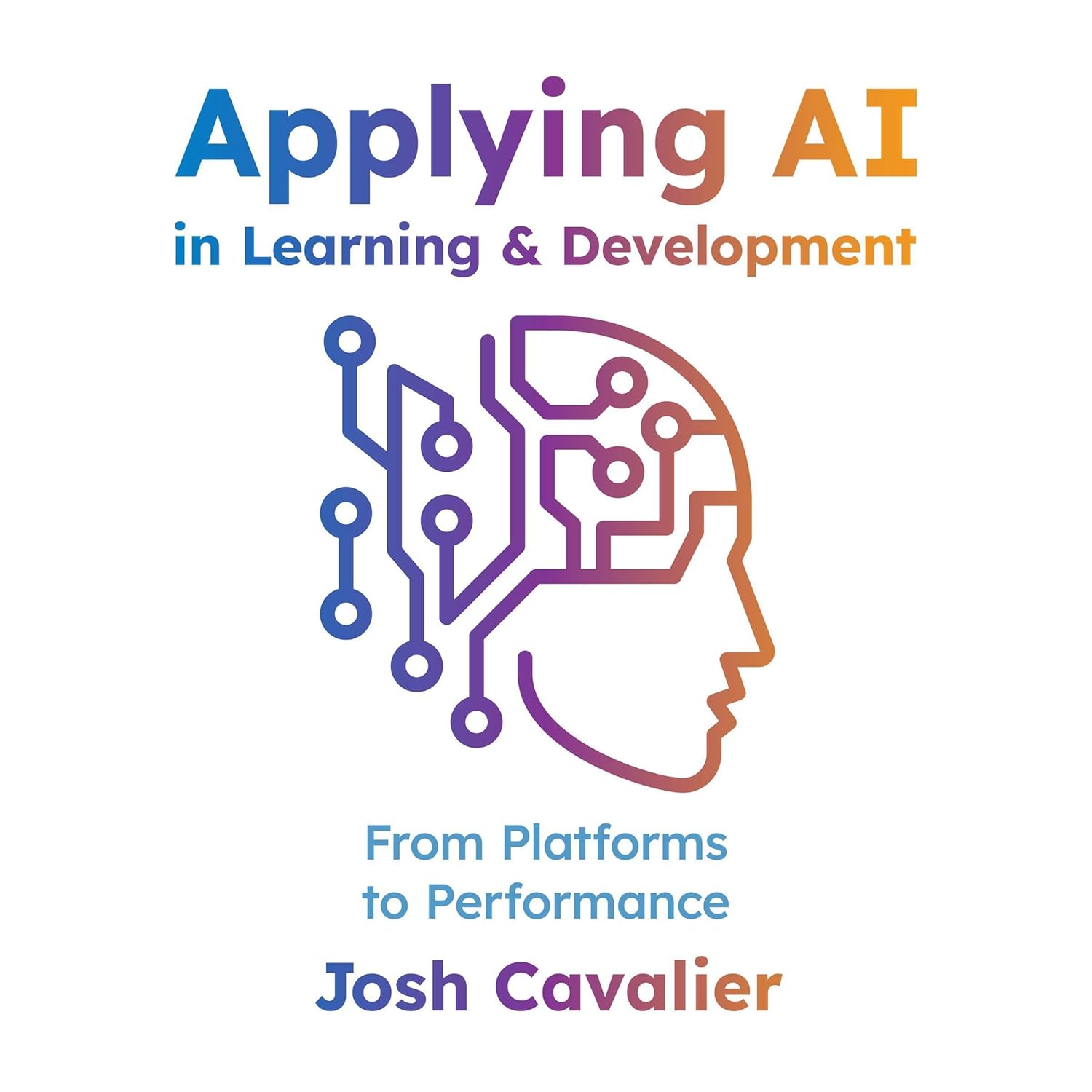
Josh Cavalier. A clear-eyed guide to where AI actually fits in the L&D workflow — from authoring to performance support to platform decisions. Josh cuts through the hype and gives you a real playbook for what to pilot first.
Amazon →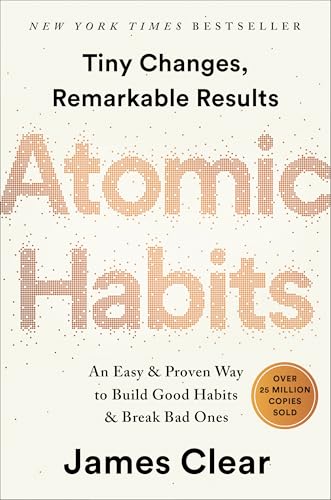
James Clear. Tiny changes, remarkable results — the clearest playbook I've found for designing systems that produce lasting behavior change. I've recommended this to every team that wants learners to actually do the thing after the course ends.
Amazon →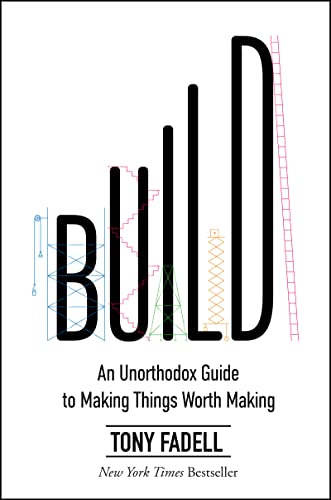
Tony Fadell. An unorthodox guide to making things worth making — from the guy who built the iPod and the Nest. The 'mentor moment' callouts alone are worth it; I dog-eared half of them.
Amazon →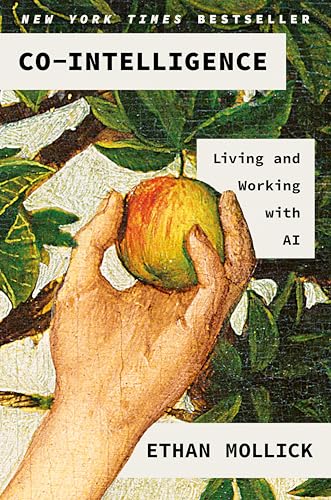
Ethan Mollick. The most-cited AI book of the year for L&D — practical framing for how to work with AI as a collaborator instead of a tool, without hand-waving the hard parts. Mollick's four "co-intelligence" rules are already showing up in half the training decks I see.
Amazon →
Blake J. Harris. Sega vs. Nintendo — the scrappy underdog playbook for taking on a giant. Reads like a thriller, and a good reminder that culture and timing can beat budget.
Amazon →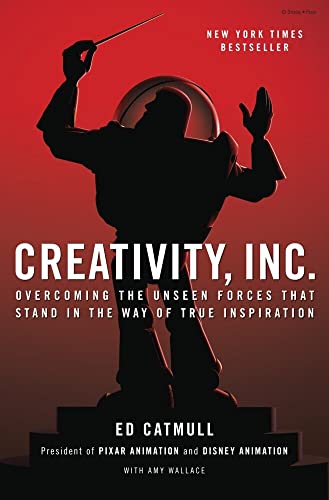
Ed Catmull. Pixar's playbook on protecting fragile ideas from the people who'd kill them too early. The Braintrust chapter reshaped how I run reviews on my own projects.
Amazon →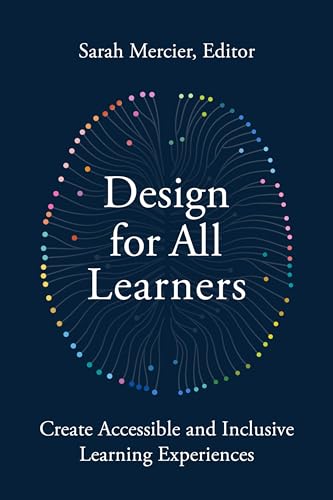
Sarah Mercier. A practical playbook for building accessible, inclusive learning — accessibility baked in from the start, not bolted on at the end. If you wait until QA to think about access, this book will reset your timeline.
Amazon →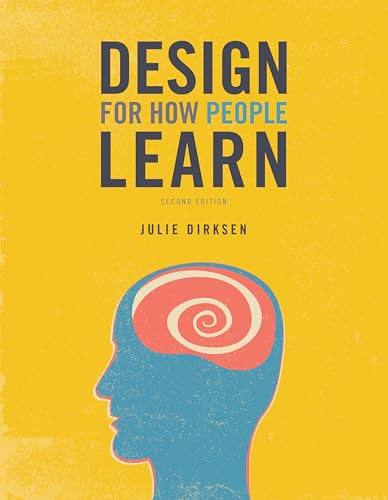
Julie Dirksen. The friendliest, most practical intro to learning science I've ever handed a junior designer. Worth re-reading every couple of years to remember why we do half the things we do.
Amazon →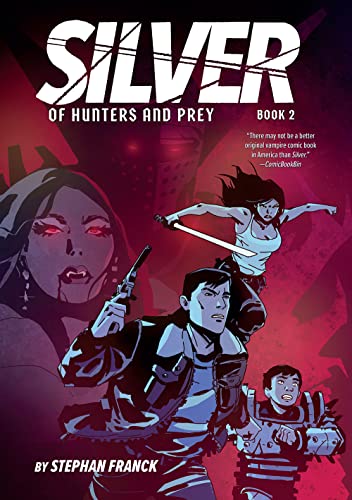
John Romero. Life in first person from one of the original Doom developers. A wild reminder of what a small, scrappy team can ship when they're not waiting for permission.
Amazon →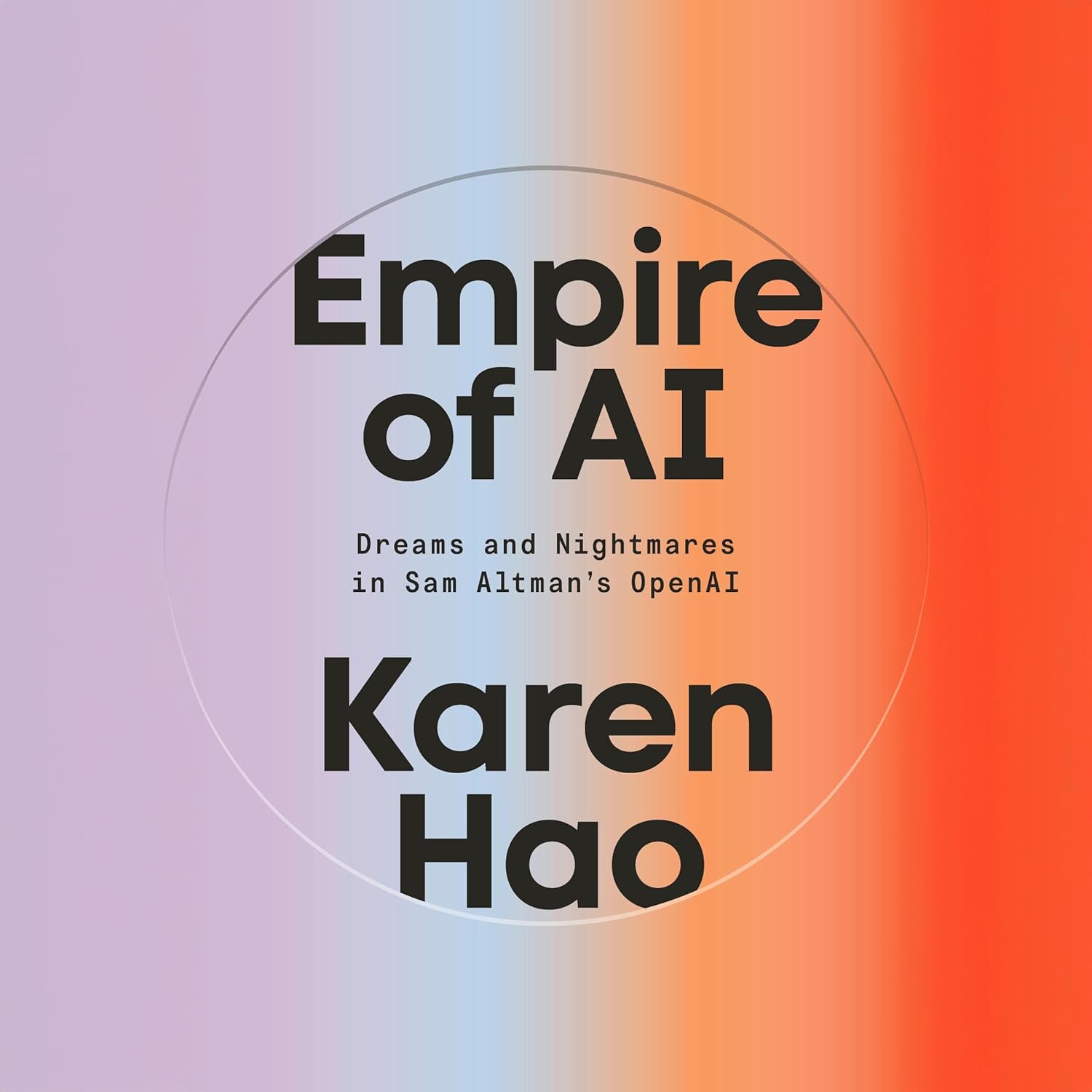
Karen Hao. A deeply reported inside view of OpenAI — the ambition, alliances, and trade-offs behind the AI race. Useful for anyone trying to make sense of who's actually steering the AI moment we're all designing for.
Amazon →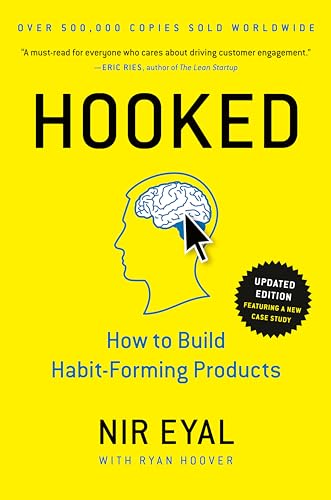
Nir Eyal. How habit-forming products get built — and the ethics of using the model thoughtfully. I use the Hook Model as a sanity check on engagement designs before they go anywhere near learners.
Amazon →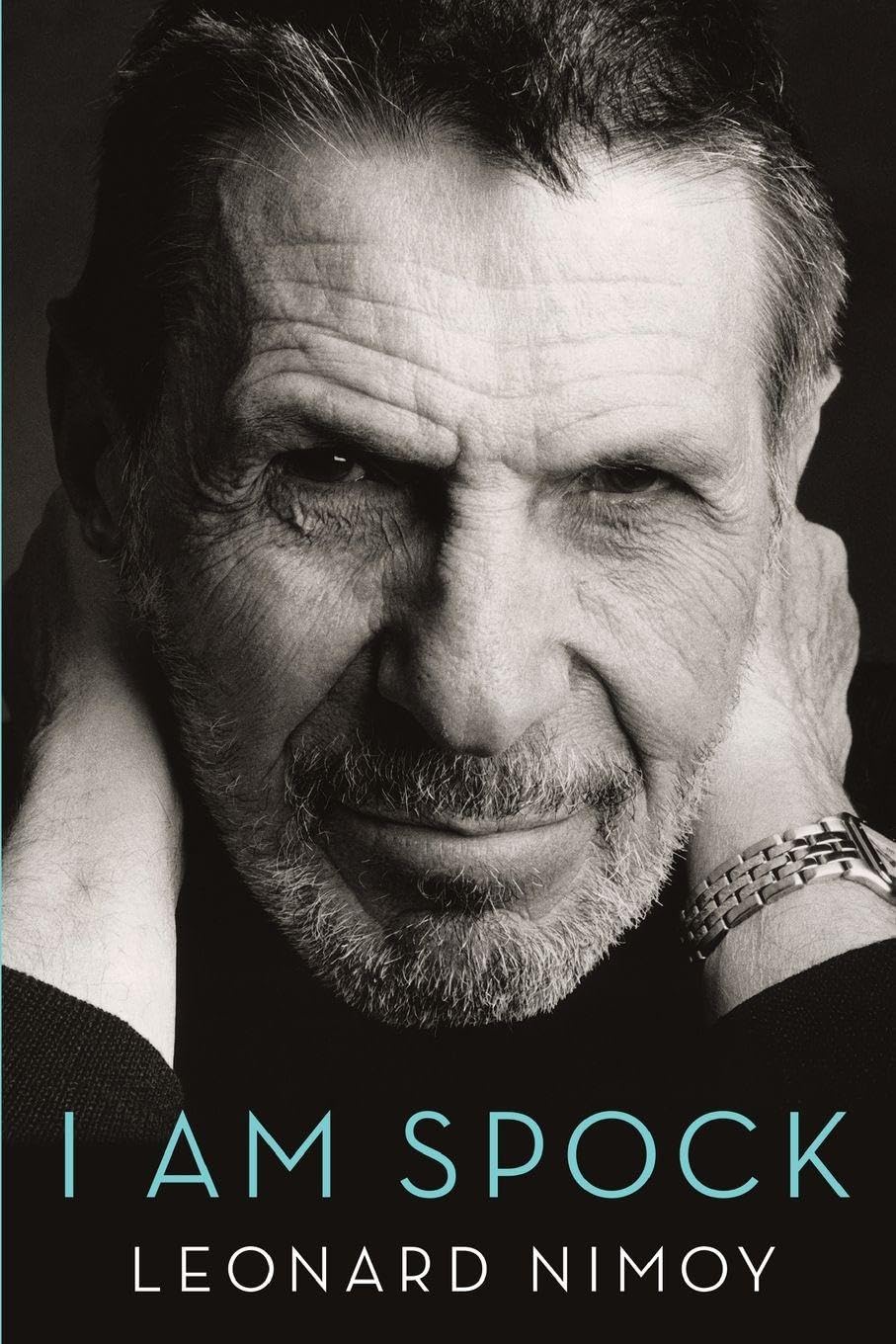
Leonard Nimoy. A craftsman's memoir on inhabiting a character — and the quiet art of restraint. Surprisingly applicable to UI: less is almost always more when the audience is meeting you for the first time.
Amazon →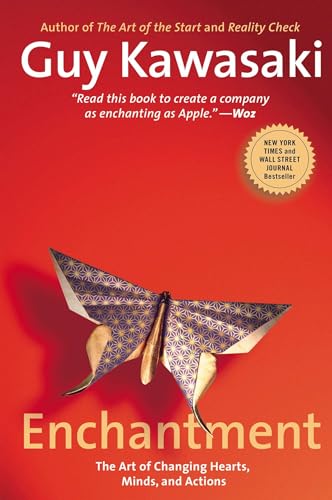
Ken Segall. The obsession that drove Apple — and a great primer on simplicity as a discipline. I hand this to anyone who tells me 'we just need to add one more feature.'
Amazon →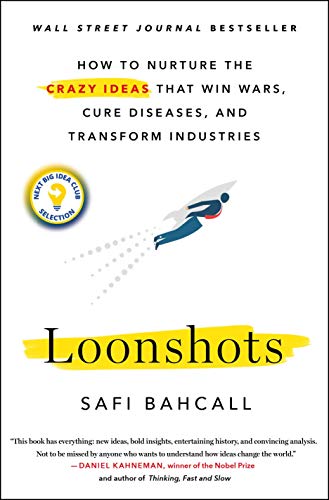
Safi Bahcall. How to nurture the wild ideas that win wars, cure diseases, and transform industries. Bahcall's 'phase separation' framework helped me finally explain why R&D and shipping teams keep fighting.
Amazon →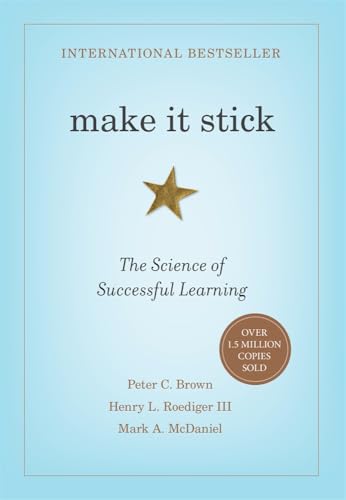
Brown, Roediger & McDaniel. If you build learning experiences and haven't read this, stop everything. Spaced retrieval, interleaving, the testing effect — every chapter is something you'll catch yourself doing wrong.
Amazon →
Nielsen Norman Group. Decades of UX research distilled into thousands of free articles — usability heuristics, IA, design systems, the ROI of UX. The single best free read-along library when you want grounded answers, not opinions, on a design problem.
Read on NN/g →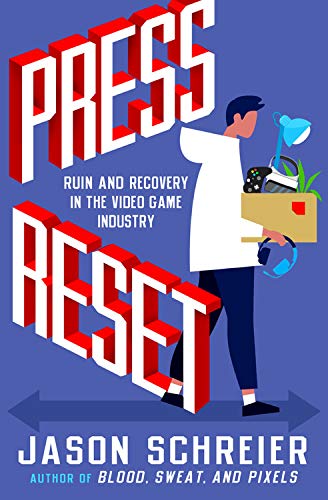
Jason Schreier. An unflinching look at what happens when studios collapse — and what the people who keep building learn from the wreckage. Required reading for anyone running creative teams.
Amazon →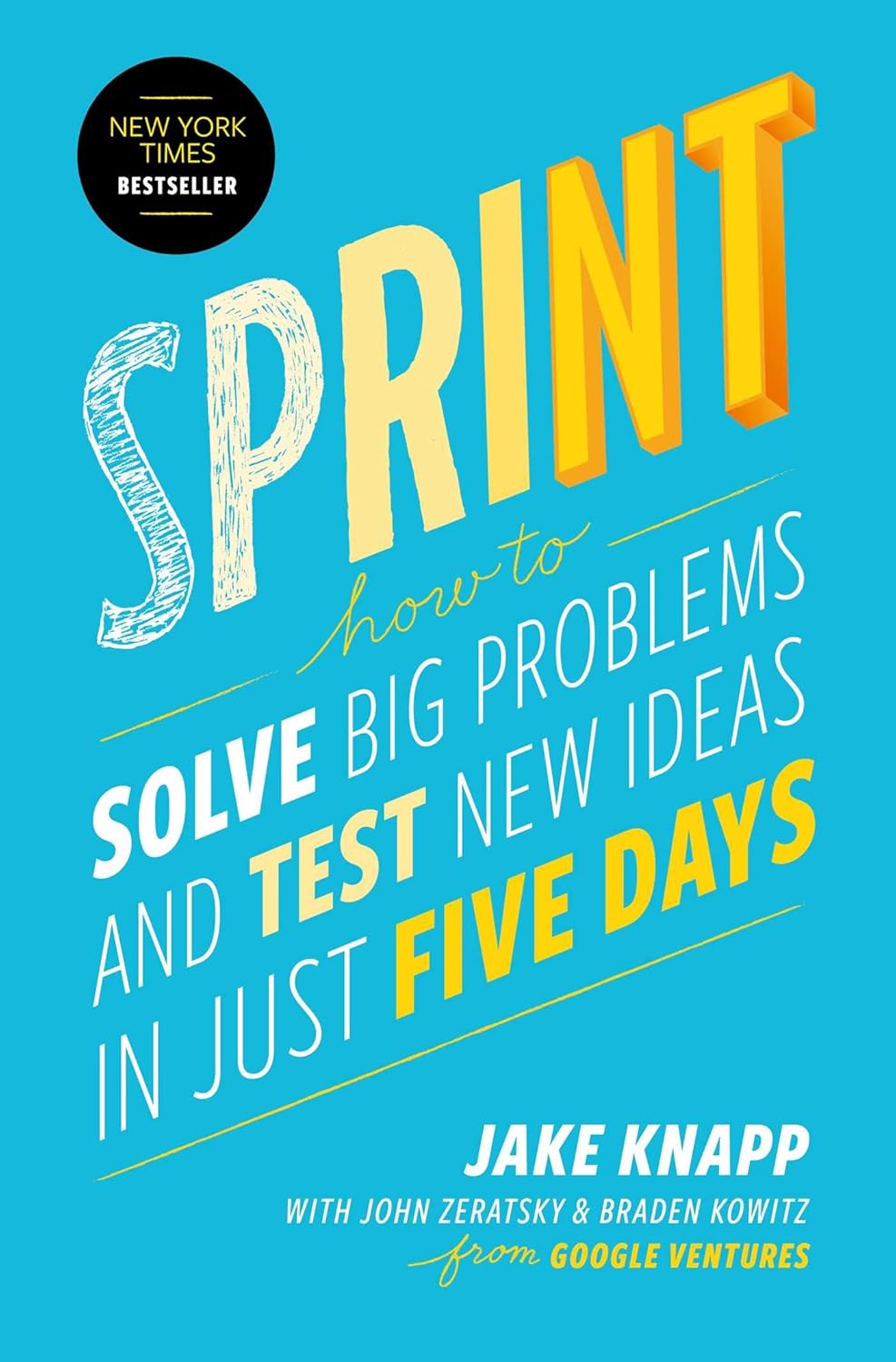
Jake Knapp. The five-day playbook that cured my 'let's-have-another-meeting' addiction. I've run dozens of variations since 2016, and the structure still holds up better than anything else I've tried.
Amazon →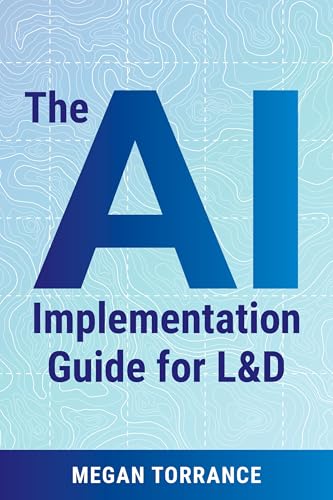
Megan Torrance. A practical playbook for L&D teams moving past the AI demos and into real workflows — what to pilot, what to measure, how to scale. Best honest treatment I've seen of the boring middle work that makes AI projects actually land.
Amazon →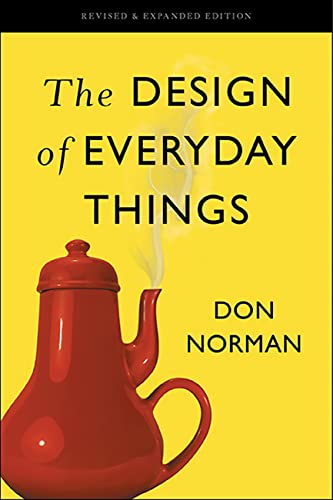
Don Norman. Still the clearest explanation of why doors confuse people — and how to design things that don't. If I could only keep one book on the shelf, this would be it.
Amazon →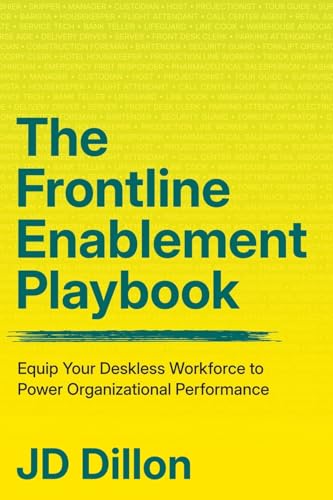
JD Dillon. A field guide for the people closest to the work — practical plays for enabling frontline teams to learn and adapt at the speed of the business. Dillon writes from real ops experience; the flow-of-work chapters saved a project of mine.
Amazon →
Jordan Mechner. A working journal from one of gaming's pivotal moments — pure craft, pure honesty. The day-by-day struggle is a great antidote to the 'genius hits delete' myth.
Amazon →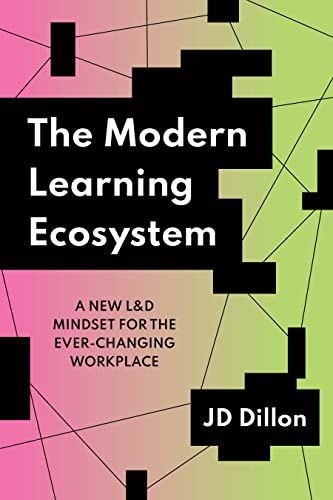
JD Dillon. A blueprint for L&D that fits the way people actually work today — flow-of-work learning, content + community + coaching, all stitched together. The 'modern' framing finally puts language to what good teams were already doing intuitively.
Amazon →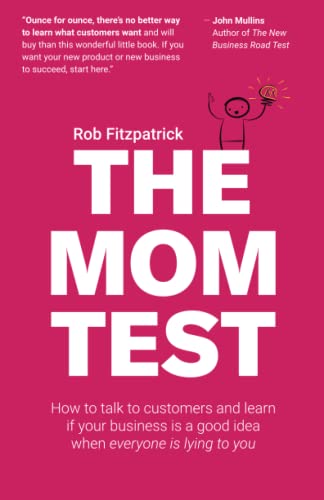
Rob Fitzpatrick. A 90-minute read that fixes 90% of bad customer interviews. I keep it next to my desk and re-skim it before every discovery call.
Amazon →
Robert Iger. Lessons from 15 years running Disney — leadership, taste, and big bets. The Pixar acquisition chapter is a masterclass in negotiating without making the other side feel like they lost.
Amazon →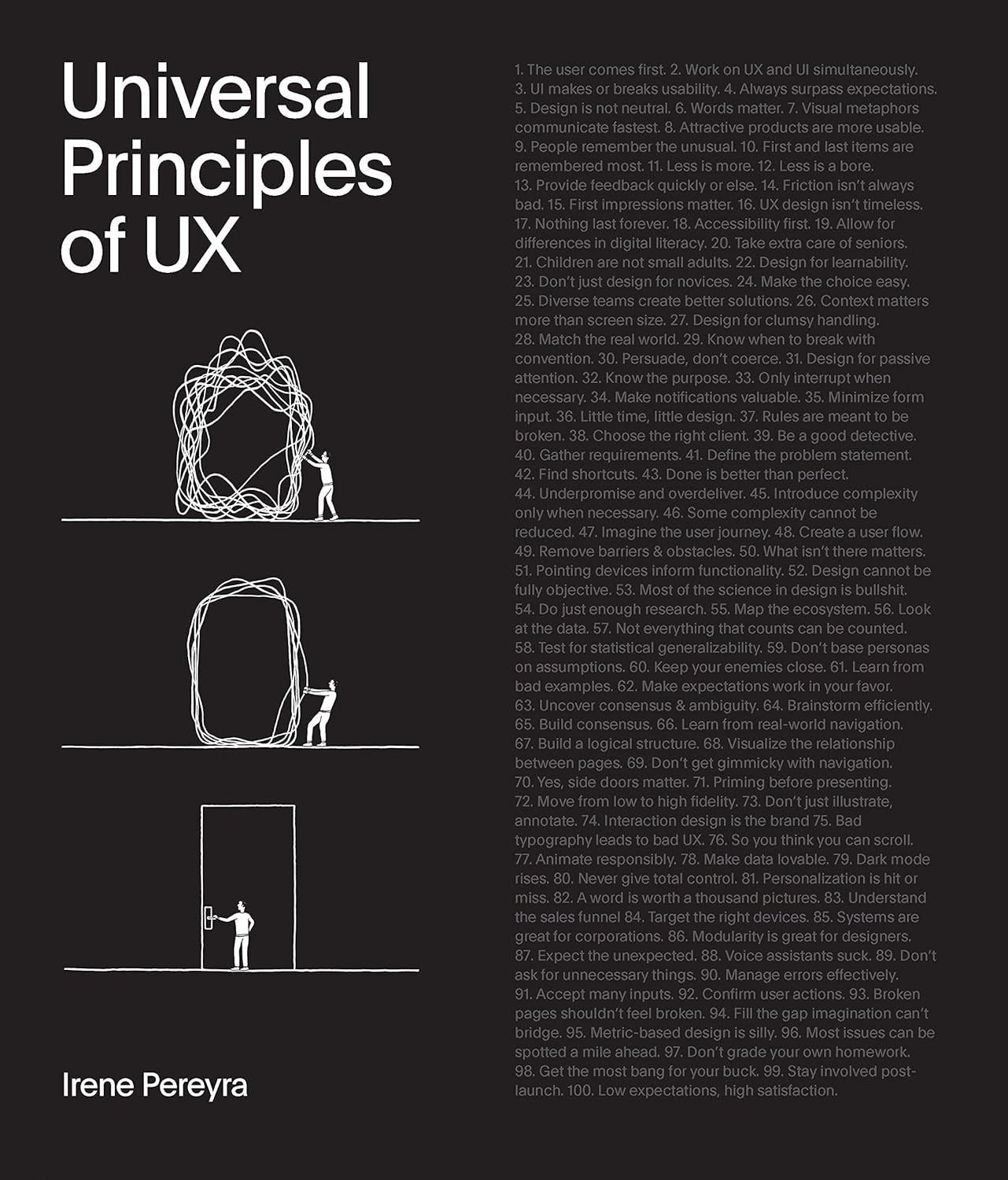
Irene Pereyra. 100 timeless plays for designing interactions that actually work — practical, illustrated, and easy to dip into between projects. I keep this in arm's reach and crack it whenever a design problem starts feeling new.
Amazon →Collaboration
Whiteboarding, shared workspaces, and real-time collaboration platforms for teams.
An online whiteboard for brainstorming, design collaboration, and sketching ideas in real time. Its intuitive interface and Figma integration make it perfect for creative teams.
Try FigJam →A virtual whiteboard for brainstorming and ideation, with real-time collaboration features like sticky notes, freehand drawing, and voting. Great for facilitating creative sessions with distributed teams.
Try LucidSpark →Microsoft's collaborative workspace — chat-meets-docs-meets-canvas with components that update live wherever you paste them (Teams, Outlook, OneNote). Useful when the same checklist or table needs to live in three places at once without going stale.
Visit Loop →A collaborative online whiteboard platform for teams, featuring templates for brainstorming, design thinking, and agile workflows. Ideal for visual collaboration across distributed teams.
Visit Miro →A digital workspace for visual collaboration, offering tools for brainstorming, design thinking, and agile planning. Perfect for teams looking to collaborate visually and organize ideas effectively.
Visit Mural →An all-in-one workspace that combines notes, databases, project management, and collaboration tools in a single platform. Ideal for teams and individuals looking to organize work and knowledge in one flexible environment.
Visit Notion →Superhuman (formerly Coda) — the all-in-one document tool that combines text, tables, and workflows into a flexible workspace. Great for teams that want the power of a database with the feel of a doc; now bundled with Superhuman's AI-powered features after the 2025 acquisition.
Visit Superhuman →Communication Platforms
Team messaging, video conferencing, and community communication tools.
A communication platform originally built for gamers, now widely used for community building, team chat, and collaboration. Offers text, voice, and video channels with rich bot integrations.
Visit Discord →Direct messages, group conversations, and Spaces (threaded team rooms) built into Google Workspace — no extra login if you're already in Gmail. Great default if your shop runs on Docs, Drive, and Meet.
Visit Google Chat →A comprehensive collaboration hub that integrates chat, video meetings, file sharing, and app integrations into one platform. Perfect for organizations using the Microsoft 365 ecosystem.
Visit Teams →A team communication platform offering organized channels, direct messaging, and deep integrations with thousands of productivity tools. Ideal for teams looking for streamlined communication and workflow automation.
Visit Slack →Beyond the meeting room — Zoom Team Chat and Zoom Phone add persistent channels and calls so teams can stay connected between sessions. Useful when your video tool of choice is already Zoom and you'd rather not run a second app.
Visit Zoom →Communities
Professional organizations and communities for learning and development professionals.
A leading professional association for talent development, offering resources, certifications, and events. Essential for learning professionals seeking to advance their careers and stay connected with industry trends.
Visit ATD →The International Society for Technology in Education provides resources, conferences, and community for educators integrating technology into their classrooms. Ideal for teachers and administrators seeking to innovate with technology in education.
Visit ISTE →A community of practice for learning professionals, providing resources, research, and events on learning and development. Ideal for L&D professionals looking to expand their knowledge and network with peers.
Visit Learning Guild →Conferences
Learning & development conferences worth putting on the calendar.
The Learning Guild's tech-forward conference on emerging learning technologies — AI, immersive learning, xAPI, and modern learning platforms. Great for practitioners who like to experiment with new tools.
Visit TechLearn →ATD's focused event on the four core capabilities every L&D pro needs — instructional design, training delivery, learning technologies, and evaluation. Deeper, hands-on than the flagship conference.
Visit Core4 →The Learning Guild's flagship — the biggest digital-learning conference in the industry, packed with sessions on authoring tools, learning tech, video, AI, and immersive learning. Held annually in Las Vegas.
Visit DevLearn →Training magazine's annual conference for corporate training and workforce development professionals — sessions on leadership, learning tech, measurement, and instructional design. Traditionally held in late February.
Visit Training Conference →The Association for Talent Development's flagship annual conference — the largest gathering of talent-development professionals with 400+ sessions across leadership, learning tech, career development, and instructional design.
Visit ATD International →Design & Creativity
Graphic design, illustration, image editing, typography, and creative production tools.
A creative tool that turns your smartphone into a design asset generator, converting photos into color themes, patterns, and vector shapes.
Get Adobe Capture →Adobe's comprehensive suite of creative tools—including Photoshop, Illustrator, Premiere Pro, and InDesign—covering everything from graphic design and video editing to web development and photography. Essential for creative professionals and teams seeking industry-standard tools for high-quality content creation.
Visit Creative Cloud →Adobe's easy-to-use design tool that empowers anyone to create social media graphics, short videos, and other visual content quickly and effortlessly. Perfect for marketers, small business owners, and educators who need polished designs without a steep learning curve.
Try Adobe Express →Adobe's generative AI toolset for creating and enhancing images, text effects, and designs, integrated within Adobe's Creative Cloud. Ideal for designers and creatives seeking to leverage cutting-edge AI for their projects.
Try Adobe Firefly →A professional-grade drawing app with an intuitive interface, offering a wide range of sketching and painting tools for digital artists.
Visit Sketchbook →User-friendly graphic design platform that empowers anyone to create stunning visuals, presentations, videos, and social media content with drag-and-drop ease. With thousands of templates, AI-powered tools, and seamless collaboration features, it's perfect for both beginners and pros to design anything, anywhere.
Visit Canva →An AI-powered creative suite for removing backgrounds, upscaling images, and generating visuals for quick, polished image editing.
Visit ClipDrop →A browser-based playground for HTML, CSS, and JavaScript with instant visual feedback. Great for experimenting with UI patterns and animations.
Visit CodePen →A fast, beautiful color picker for Mac and iOS — grab any color from anywhere on screen, organize palettes, and copy hex/RGB/HSL in one click. Lives in the menu bar and shows its work, which makes color-matching across mockups much less guess-and-check.
Visit Color Slurp →A color palette generator that helps designers quickly create and explore beautiful color combinations for consistent, harmonious designs.
Visit Coolors →A comprehensive resource that provides frameworks, activities, and guidance for applying design thinking to problem-solving and innovation. Ideal for teams and individuals looking to adopt a human-centered approach to creativity and product development.
Visit Design Thinking Kit →A whiteboard animation tool that creates hand-drawn style videos and presentations for storytelling and explainer content.
Visit Drawify →An interactive whiteboard app for creating engaging presentations, tutorials, and animated explainers.
Visit Explain Everything →A web-based collaborative design tool used for UI/UX design, prototyping, and visual design with real-time collaboration. Essential for design teams seeking a cloud-native platform that enables seamless teamwork on design projects.
Visit Figma →A 3D representation of Earth based on satellite imagery, allowing users to explore geography, landmarks, and more. A valuable tool for educators, researchers, and curious minds seeking to explore the world from their desktops.
Visit Google Earth →A full-featured vector design application available in the browser for logos, icons, illustrations, and UI designs.
Visit Gravit Designer →A web-based tool for creating animations and interactive web content without needing extensive coding knowledge. Perfect for designers and developers looking to add dynamic, animated elements to their web projects.
Visit Haiku Animator →A platform offering a vast collection of icons, illustrations, photos, and design tools for web and app development. Ideal for designers and developers who need high-quality, ready-to-use visual assets for their projects.
Visit Icons8 →Apple's mobile and Mac video editing app offers an intuitive interface and powerful editing tools for creating polished videos on iPhones and iPads. Perfect for casual video creators looking to make impressive videos quickly.
Get iMovie →A library of lightweight, scalable animations (Lottie format) for web and mobile apps. Designers and developers can find, create, and implement animations easily, adding engaging visual elements to apps and websites.
Visit LottieFiles →An accessible, web-based photo editing tool that offers a wide range of features similar to Photoshop. Ideal for users who need quick, professional-level edits without the complexity of full-scale editing software.
Visit Pixlr →A digital version of sticky notes, allowing users to capture, organize, and share handwritten notes digitally for brainstorming.
Get Post-It App →An AI-powered tool for instantly removing backgrounds from images for professional visuals.
Visit Remove.bg →A tight, hand-picked feed of the 5 best design links each day — UX, product, code, and inspiration in one quick scan. One of my daily reads; takes two minutes to skim and consistently surfaces something worth saving.
Visit Sidebar.io →An image compression tool that reduces file size without sacrificing quality for faster web loading times.
Visit Squoosh →A massive library of icons and stock photos for design projects. Easily find visually cohesive icons to enhance UI/UX designs or presentations.
Browse Icons →A simple app for annotating photos by adding text and arrows to point out key elements for quick visual communication.
Get This →A tool for compressing PNG and JPEG images without significant quality loss, making it ideal for optimizing web images. Users seeking to reduce load times and improve site performance will find TinyPNG invaluable.
Visit TinyPNG →A 3D design app for sketching, modeling, and visualizing 3D concepts quickly on iPad.
Visit uMake →
A popular platform offering high-quality, royalty-free images for any project. Ideal for designers, marketers, and content creators who need visually stunning images without worrying about licensing fees.
Visit Unsplash →A font identification tool — snap a photo of any text and instantly identify the font.
Try WhatTheFont →eBooks
Tools for creating, editing, and publishing digital books and publications.
Adobe's industry-standard software for page design and layout, used for creating stunning print and digital publications, including magazines, brochures, and eBooks. Perfect for designers looking for powerful tools to produce professional-quality layouts.
Visit InDesign →A versatile word processing and page layout app for creating everything from documents to brochures, with built-in templates and seamless iCloud integration. Ideal for Mac and iOS users seeking an intuitive, design-friendly tool for professional writing and design tasks.
Visit Apple Pages →An open-source EPUB editor that allows users to create and edit eBooks with advanced formatting options. Ideal for authors and publishers who want to produce professional, high-quality EPUB eBooks with full control over formatting and design.
Visit Sigil →Fonts
Typography libraries and tools for finding, licensing, and using fonts in your work.
A creative tool that turns your smartphone into a design asset generator, converting photos into color themes, patterns, and vector shapes.
Get Adobe Capture →A massive type library bundled with Creative Cloud — sync foundry-quality fonts straight into Photoshop, Illustrator, Figma, and the web with one click. Great for designers who want premium typography without per-license headaches.
Browse Adobe Fonts →A long-running directory of free fonts that are actually safe for commercial work — every font is hand-checked. The Webfont Generator is still the easiest way to self-host a custom typeface in three clicks.
Visit Font Squirrel →A free, professional-grade type library where every font is licensed for personal AND commercial use — no fine print, no asterisks. Great for projects where the budget can't stretch but the typography still needs to look hand-picked.
Visit Fontshare →A library of free, open-source fonts for web and design projects. Essential for high-quality typography.
Browse Google Fonts →A font identification tool — snap a photo of any text and instantly identify the font.
Try WhatTheFont →Forms & Feedback
Survey tools, feedback collection, form builders, and visual bug reporting.
A free and easy-to-use tool for creating surveys, quizzes, and forms with built-in analytics, integrated seamlessly with Google Drive. Ideal for anyone looking to quickly gather and organize data from respondents with minimal setup.
Visit Google Forms →A visual bug reporting and feedback tool that allows teams to capture and share website feedback directly from their browsers. Perfect for developers and QA teams seeking a streamlined way to report and manage bugs.
Visit Marker.io →A popular survey platform for creating customized surveys with advanced analytics and reporting features, helping organizations collect actionable insights.
Visit SurveyMonkey →An interactive form-building tool that focuses on conversational data collection through visually engaging forms and surveys. Perfect for creating beautiful experiences that boost response rates.
Visit TypeForm →A video-based interaction tool from Typeform that lets you create face-to-face conversations at scale through async video forms, surveys, and funnels.
Visit VideoAsk →Hardware
Cameras, microphones, lighting, stream decks, and production gear for content creation.
A serious sketching, note-taking, and prototyping rig — pair the iPad Pro's responsive display with the Apple Pencil for low-latency drawing, marking up PDFs, mind-mapping, and storyboarding. Doubles as a mobile workstation for design reviews and on-the-go content capture.
Visit Apple →Smartphone gimbals that provide smooth, stabilized video capture for mobile content creation. Perfect for polished video walkthroughs, demos, and training content.
View DJI →A suite of premium content creation hardware including Stream Deck, FaceCam, Key Light, and Green Screen. Elgato products are the standard for professional streaming, video production, and polished virtual presentations.
Visit Elgato →Ultra-thin portable USB-C monitors that turn your laptop into a two-screen workstation anywhere. Aluminum body, single-cable power + video, and touchscreen options make it a go-to for on-the-go design reviews, prototyping, and demos.
Visit Espresso →A USB condenser microphone with RGB lighting, anti-vibration shock mount, and four selectable polar patterns. Great for podcasting, streaming, and recording professional-quality audio.
View Mic →A compact 360-degree camera that captures stunning immersive photos and video. One of Nick's favorites for creating VR and AR content on the go.
View Camera →A compact, USB-powered key light that clips on top of your monitor and instantly cleans up the look of any video call or recording. Skin-tone tuned, dimmable, and small enough to throw in a bag — easy upgrade if your webcam is doing all the work.
View Litra Glow →A 4K ultra HD webcam with HDR, offering crystal-clear video quality for streaming, video conferencing, and recording. Ideal for professionals who require high-quality video for presentations.
View Brio →A mobile video production kit that turns tablets and smartphones into professional video rigs with microphones, lighting, and teleprompter capabilities.
View Padcaster →An e-ink paper tablet that feels like writing on real paper — distraction-free, made for handwritten notes, sketches, and marking up PDFs. Great for anyone who wants the focus of a notebook with the convenience of digital sync.
Visit reMarkable →Keeping Up
News aggregators and content curation tools to stay current with industry trends.
Daily AI newsletter in five bite-sized minutes — releases, launches, and takes that matter for people building AI into their work. My favorite way to keep up without falling into an X.com rabbit hole every morning.
Visit Bens Bites →A powerful news aggregator that helps users organize and track content from their favorite websites, blogs, and news sources using AI-driven recommendations. Ideal for professionals and researchers who want to stay updated with personalized news feeds in a streamlined, easy-to-use platform.
Visit Feedly →A customizable news aggregation app that presents stories from around the web in a visually engaging, magazine-style format. Perfect for users who enjoy staying informed while browsing curated content that matches their interests.
Visit Flipboard →A tight, hand-picked feed of the 5 best design links each day — UX, product, code, and inspiration in one quick scan. One of my daily reads; takes two minutes to skim and consistently surfaces something worth saving.
Visit Sidebar.io →Media: Audio & Video
Video editing, podcasting, AI voiceovers, screen recording, and media production tools.
A mobile video editing app for professional-quality videos on the go with powerful editing tools and social media sharing.
Get Premiere Rush →A video presentation tool that integrates with conferencing platforms for customizable backgrounds, slides, and polished virtual presentations.
Visit AirTime →A podcast creation and hosting platform that simplifies recording, editing, and distributing to major platforms.
Visit Anchor →A library of thousands of free sound effects from the BBC archive, available for personal, educational, and research use. A treasure trove for audio producers and content creators.
Browse Sounds →Edit podcasts and videos by editing the transcript like a doc — cut filler words, remove silences, and rearrange takes in seconds. Recent updates layer in AI voice cloning (Overdub) so you can fix flubs by typing, plus Studio Sound to clean up bad audio in one click. The Eye Contact effect quietly redirects your gaze to the camera, and built-in templates spin long recordings into vertical social clips fast. If you make videos or podcasts solo, this is the closest thing to a one-person studio.
Visit Descript →Record from two iPhone cameras at the same time — front + back for interviews and reaction shots, or two rear cameras at different focal lengths for instant cutaways. The simplest way to grab A/B-roll without juggling devices or asking someone to hold a second camera.
Get DoubleTake →A professional live streaming and video production tool for Mac integrating with YouTube, Facebook, and Zoom.
Visit Ecamm Live →Cutting-edge AI voice synthesis platform offering realistic, customizable voices for content creation, storytelling, and accessibility. Perfect for creators who need lifelike voiceovers, narration, or voice cloning in multiple languages.
Visit ElevenLabs →An AI-powered video creation platform for producing professional videos at scale.
Visit FlowStudio →An AI voice generator offering high-quality, natural-sounding text-to-speech and voice cloning for videos, podcasts, and e-learning. Ideal for content creators seeking polished voiceovers without hiring voice talent.
Visit Lovo →An AI-powered video creation platform that generates realistic talking avatars for personalized videos. Ideal for marketing teams, e-learning developers, and sales professionals who want to scale personalized video content quickly.
Visit HeyGen →Apple's mobile and Mac video editing app offers an intuitive interface and powerful editing tools for creating polished videos on iPhones and iPads. Perfect for casual video creators looking to make impressive videos quickly.
Get iMovie →A screen recording tool that allows users to capture video messages and screen shares, with AI-driven feedback and performance analytics. Ideal for remote teams or educators who want to communicate more effectively with asynchronous video messages.
Visit Loom →AI-driven text-to-speech platform that enables users to create natural-sounding voiceovers in over 20 languages, offering a selection of more than 120 voices. Ideal for e-learning developers, marketers, and content creators who need high-quality voiceovers quickly.
Visit Murf.ai →Free, open-source software for video recording and live streaming with powerful scene composition and broadcasting.
Visit OBS →A gimbal stabilizer for smartphones, designed to help users capture smooth, cinematic videos. Ideal for content creators who want professional-quality mobile video.
Explore Osmo →An AI-powered platform for creating interactive voice experiences and conversational AI agents.
Visit Play.ai →A podcast hosting platform with monetization, analytics, and distribution to all major directories.
Visit Podbean →A mobile production kit for podcasting and video creation using iPad with professional-grade accessories.
View Kit →A screen mirroring app that allows users to share their screen wirelessly across devices. Ideal for educators, presenters, or developers who need seamless device-to-device content sharing.
Visit Reflector →An AI video generation platform that creates videos with realistic AI avatars from text, supporting multiple languages and customizable settings. Ideal for marketers, educators, and businesses looking to create personalized video content quickly without the need for on-camera talent or production skills.
Visit Synthesia →Mockups
Device frame generators and mockup tools for showcasing apps and websites in professional contexts.
Create high-quality device frames and scene layouts to beautifully present apps and websites. Choose from a wide range of devices, customize background and frame options, and export pixel-perfect images for marketing or pitch decks. It's built for creators who want professional visuals with minimal effort.
Visit Device Shots →Instantly generate clean, minimal device mockups from your screenshots without bulky design tools. Simply paste a link or upload an image and get a ready-to-share visual in seconds. It's ideal for product pages, social media, portfolios, and presentations where crisp visuals matter.
Visit Shots →Notebooks
Digital notebooks, handwriting recognition, and transcription tools for capturing ideas.
Goodnotes is a powerful digital note-taking app that lets you handwrite, type, and organize notes in a beautifully intuitive interface. With real-time sync, AI-powered search, and flexible templates, it's perfect for students, professionals, and anyone who wants to capture ideas naturally and keep everything organized.
Visit GoodNotes →A simple and versatile note-taking app that integrates with Google services, allowing users to create, organize, and share notes, lists, and reminders. Ideal for anyone looking for a lightweight, cross-platform note-taking solution that syncs seamlessly with their Google account.
Visit Google Keep →AI meeting note-taker that listens during your calls and turns them into clean, editable notes. Combines your scribbles with a polished transcript and action items so you leave every meeting with usable follow-ups.
Visit Granola →A digital notebook that allows users to capture and organize notes, ideas, and tasks across devices, with powerful integration into the Microsoft 365 ecosystem. Ideal for students and professionals who need a versatile, cross-platform tool for organizing notes, drawings, and multimedia content.
Visit OneNote →A handwriting recognition app that converts handwritten notes into digital text, making it easy to organize and share ideas across platforms. Ideal for users who prefer handwritten notes but need the flexibility and searchability of digital text.
Visit Nebo →A note-taking app that combines typing, handwriting, drawing, and audio recording, making it easy to capture ideas in multiple formats. Perfect for iPad users who want a flexible, all-in-one tool for annotating PDFs, taking lecture notes, or sketching ideas.
Visit Notability →An all-in-one workspace that combines notes, databases, project management, and collaboration tools in a single platform. Ideal for teams and individuals looking to organize work and knowledge in one flexible environment.
Visit Notion →A knowledge management and note-taking app that uses markdown and linking to build a personal knowledge graph. Perfect for researchers, writers, and professionals who want to create a deeply interconnected system for their notes and ideas.
Visit Obsidian →An AI-powered transcription service that converts spoken audio into text, offering real-time transcription for meetings, interviews, and lectures. Great for users who need accurate, automated transcriptions.
Visit Otter.ai →Present, Meet & Engage
Video conferencing, webinars, audience polls, live Q&A, virtual classrooms, and presenter tools — for getting in front of a room (real or remote) and keeping people engaged.
An interactive presentation tool that allows users to create live polls, quizzes, and word clouds to engage audiences during meetings or events.
Visit AhaSlides →A virtual event platform designed for hosting large-scale conferences, workshops, and social events with interactive features like networking lounges and live polls. Perfect for creating engaging and immersive virtual experiences.
Visit AirMeet →A video presentation tool that integrates with conferencing platforms for customizable backgrounds, slides, and polished virtual presentations.
Visit AirTime →A professional live streaming and video production tool for Mac integrating with YouTube, Facebook, and Zoom.
Visit Ecamm Live →A screen annotation tool that lets you draw, highlight, and write on top of any application, making presentations and training sessions more dynamic and engaging.
Visit Epic Pen →AI meeting recorder that auto-writes summaries, action items, and CRM updates from your calls — free tier is generous. Solid alternative to Otter and Granola if your team lives in Zoom or Google Meet.
Try Fathom →Google's video conferencing solution integrated with Google Workspace, offering reliable meetings with captions, recording, and breakout rooms.
Visit Google Meet →A reliable video conferencing platform offering HD video, screen sharing, and meeting recording for professional collaboration.
Visit GoTo Meeting →An interactive game-based learning platform for creating quizzes, surveys, and engaging learning games. Ideal for educators and trainers looking to increase engagement through interactive content.
Visit Kahoot →Audience engagement and polling for meetings and events — live polls, Q&A, anonymous feedback, and word clouds without making attendees install anything. Cleanest 'spice up an all-hands' option I've used; the moderation tools make it safe for big rooms.
Visit Meeting Pulse →A presentation tool for creating interactive slides with live polls, quizzes, and word clouds, enhancing audience participation during meetings and events.
Visit Mentimeter →Video meetings, webinars, and large-room broadcasts built into the Microsoft 365 stack — break-outs, polls, recording, and presenter view all in one place. Default in most enterprise shops, so worth knowing well even if it isn't your daily driver.
Visit Microsoft Teams →Free, open-source software for video recording and live streaming with powerful scene composition and broadcasting.
Visit OBS →A digital bulletin board where users can post text, images, links, and multimedia for collaborative projects and brainstorming. Perfect for educators and teams who want a visual, interactive workspace.
Visit Padlet →Audience Q&A, live polls, and word clouds for events — clean interface that holds up at enterprise scale. The 'most up-voted question' feature changes the dynamic of every conference room I've used it in.
Visit Pigeonhole Live →A Mac app for annotating your screen during presentations — draw, highlight, and point to things on any app in real-time.
Visit Presentify →Full virtual event platform (formerly Hopin) — main stage, breakout rooms, expo booths, networking, and ticketing in one place. Designed for conferences and large internal events; takes setup time but scales when a normal webinar tool falls over.
Visit RingCentral Events →Studio-quality remote recording — each guest's audio and video records locally, then uploads in the background so you get clean separate tracks instead of compressed conference audio. Best path to a professional-sounding podcast or interview from anywhere.
Visit Riverside.fm →An audience interaction tool for live polls, Q&A sessions, and quizzes during meetings and events. Ideal for presenters looking to boost engagement and gather real-time feedback.
Visit Slido →Browser-based live streaming and recording studio — no software install, no OBS knob-twiddling. Drag guests onstage, add lower-thirds and overlays, and stream to multiple platforms at once; the easiest path to a polished broadcast.
Visit StreamYard →Cisco's enterprise video conferencing platform with AI-powered features, webinar hosting, and deep integrations with enterprise tools.
Visit Webex →Comprehensive conference platform — agendas, attendee networking, sponsor booths, gamification, and a companion app that people actually use. Strong choice if your event needs attendees to find each other before and after sessions, not just during.
Visit Whova →Live polling, quizzes, and Q&A built specifically for educators and trainers — drops into your slides or runs from a shareable URL. Replaces the awkward 'any questions?' silence with structured engagement that actually surfaces what learners are thinking.
Visit Wooclap →The ubiquitous video conferencing platform offering meetings, webinars, breakout rooms, and whiteboarding. Zoom remains the default for virtual training delivery and remote collaboration.
Visit Zoom →Prototyping
UI/UX design, wireframing, prototyping, and design thinking resources.
AI-powered tool that predicts where users will look on your designs before testing with real users.
Visit Attention Insight →Free design thinking and creative process books, guides, and podcasts from InVision.
Visit DesignBetter →A cloud-based design tool for real-time UI/UX collaboration, from wireframing to high-fidelity design and prototyping.
Visit Figma →Design and publish real, responsive websites in the same canvas — no separate handoff to engineering. Bridging point between designing a prototype and shipping something people can actually use; getting scary-good for L&D landing pages.
Try Framer →A resource collection focused on mobile application design patterns and strategies for creating effective learning experiences on mobile devices.
Visit Resource →Resources and strategies for applying prototyping methodologies specifically to the design and development of learning experiences.
Visit Resource →An AI-powered design tool for creating UI designs, wireframes, and prototypes from text prompts or hand-drawn sketches.
Visit Uizard →Project Management
Task tracking, Gantt charts, kanban boards, and team workflow management.
A project management tool for organizing, tracking, and managing work with customizable workflows, timelines, and reporting.
Visit Asana →Atlassian's team workspace for creating, sharing, and collaborating on project documentation, knowledge bases, and meeting notes. Integrates deeply with Jira for seamless project management.
Visit Confluence →A Gantt chart tool that integrates directly with Asana, providing visual timeline views for project planning and resource management.
Visit Instagantt →The industry-standard issue tracking and project management tool for agile software development teams. Powerful for managing sprints, backlogs, and cross-team workflows.
Visit Jira →The project management tool most modern product and engineering teams have quietly standardized on — speed, keyboard-first UX, and opinionated defaults that make Jira feel like a slog. Worth the switch even if your process is loose.
Visit Linear →Microsoft's collaborative workspace — chat-meets-docs-meets-canvas with components that update live wherever you paste them (Teams, Outlook, OneNote). Useful when the same checklist or table needs to live in three places at once without going stale.
Visit Loop →A visual project management platform with customizable boards, automations, and integrations for team collaboration.
Visit Monday →An async standup meeting bot for Slack and Teams that automates daily standups, retrospectives, and team surveys — keeping distributed teams aligned without another meeting.
Visit Standuply →Superhuman (formerly Coda) — the all-in-one document tool that combines text, tables, and workflows into a flexible workspace. Great for teams that want the power of a database with the feel of a doc; now bundled with Superhuman's AI-powered features after the 2025 acquisition.
Visit Superhuman →A visual collaboration tool using boards, lists, and cards to organize projects and tasks with simplicity.
Visit Trello →Screen Capture & Recording
Screenshots, screen recordings, GIFs — tools for grabbing and sharing what's on your display.
Approachable video editor focused on screen recordings and tutorial production — a much gentler on-ramp than Premiere for L&D teams shipping how-to content. Built-in templates, captions, and quizzing make it a fast path from rough cut to share-ready training video.
Visit Camtasia →My favorite screen-capture tool on macOS — instant annotation, scrolling captures, GIF + video, and a one-keystroke export. Fast enough that I reach for it before the system shortcut, and the polish makes screenshots feel intentional.
Visit CleanShot X →AI-powered video documentation — record your screen once and Guidde builds a polished walkthrough with auto-generated chapters, voice-over narration, blurred sensitive info, and an embeddable player. Closest thing I've found to outsourcing the post-production work for training videos.
Visit Guidde →A fast way to capture screenshots, screen recordings, GIFs, and quick clips — then share with a single link. Lives in the menu bar so you can skip the upload step and just send; perfect for review rounds and async feedback on prototypes.
Visit JumpShare →A free, open-source Mac screen recorder that does one thing very well — grab a region, hit record, save as GIF, MP4, WebM, or APNG. Lightweight enough to keep in the menu bar for quick clips without spinning up a heavier tool.
Visit Kap →A screen recording tool that allows users to capture video messages and screen shares, with AI-driven feedback and performance analytics. Ideal for remote teams or educators who want to communicate more effectively with asynchronous video messages.
Visit Loom →An easy-to-use screen recording tool, perfect for quick tutorials and walkthroughs. Users who need a quick, no-fuss solution for screen recording should consider ScreenPal.
Visit ScreenPal →Auto-captures your clicks and keystrokes as you work and turns the whole flow into a step-by-step visual how-to with screenshots, annotations, and shareable links. Best 'document this process for the team' tool I've used; ten minutes of recording becomes a 30-step guide nobody had to write.
Try Scribe →TechSmith's all-in-one screen capture + editor — take any screenshot, annotate it, record a quick video, and turn the result into a polished GIF or PDF without leaving the app. The dependable Swiss-army knife for documenting processes or building training assets.
Visit Snagit →A simple app for annotating photos by adding text and arrows to point out key elements for quick visual communication.
Get This →Sharing Media / Links
File sharing, cloud storage, link management, and content distribution tools.
A URL shortening service that helps users create and manage short links, offering analytics to track link performance. Perfect for marketers, businesses, and content creators looking to simplify URLs while gaining engagement insights.
Visit Bitly →A comprehensive link-management and QR-code platform designed for brands and enterprises, enabling branded short URLs, dynamic QR codes, editable link destinations, and detailed analytics.
Visit BL.INK →A cloud storage service that allows users to store, share, and sync files across devices, offering powerful collaboration tools for teams. Ideal for a reliable and secure way to manage documents, photos, and files in one accessible location.
Visit Dropbox →Vibe Coding
An exploratory, playful approach to programming — iterate quickly, experiment freely, and build things that feel right. Great for learning, prototyping, and creative projects.
A rapid full-stack web development tool that uses AI to generate, edit, and deploy apps from prompts. Designed for speed, it lets non-developers create functional web apps in minutes.
Try Bolt →Anthropic's agentic coding tool that lives in your terminal. Plan, build, and ship full features, debug complex issues, and manage large-scale refactors — all through natural language commands, with Claude handling the code.
Visit Claude Code →AI-first code editor built on VS Code that helps you write, edit, and understand code faster. Features include AI autocomplete, inline code generation, and a chat-based interface for complex code questions.
Visit Cursor →An AI-powered app builder that creates full-stack applications from natural language descriptions. It generates clean, production-ready code with real-time previews, making it ideal for building MVPs, prototypes, and internal tools quickly.
Try Lovable →Browser-based IDE with built-in AI coding assistance that lets you write, run, and deploy apps instantly. Supports 50+ languages and includes collaborative editing, making it a great all-in-one environment for learning and building.
Visit Replit →Cursor competitor from Codeium with an agentic 'Cascade' mode that plans, edits, and runs code across a whole repo without babysitting. Different feel from Cursor — worth trying alongside if you're picking an AI-first editor.
Try Windsurf →Workflow Automation
Connect apps, sync data, and automate repetitive tasks without writing code.
A workflow automation tool that syncs data between different apps and platforms, enabling seamless collaboration across teams. Ideal for automating manual tasks and keeping projects aligned across multiple tools.
Visit Unito →A popular automation platform that connects thousands of apps, allowing users to automate workflows by setting up trigger-action sequences. Perfect for saving time and streamlining repetitive tasks without needing technical skills.
Visit Zapier →Additional Resource Notebooks
More visual notebooks from Nick Floro and Sealworks — curated, hand-picked, and refreshed regularly to help you design, build, and ship.
Prototyping for Learning
Getting started with prototyping — the tools, techniques, and methods to reimagine your learning. Refreshed monthly with new plays.
Visit ↗Mobile Apps for Learning
A curated catalog of mobile-first tools for learners, parents, and teachers — apps to create, explore, experiment, and share.
Visit ↗AI for Learning Notebook
AI experiments, prompts, and playbooks from real L&D projects. Updated as I learn what actually works — and what doesn't.
Visit ↗Brainstorming for Learning
Workshop-tested ways to spark ideas for learning experiences — for when the blank page is the hardest part.
Visit ↗
Got an idea? Let's talk.
Whether you're prototyping your first app or scaling a platform to millions, I'd love to hear about it. Coffee chats welcome.